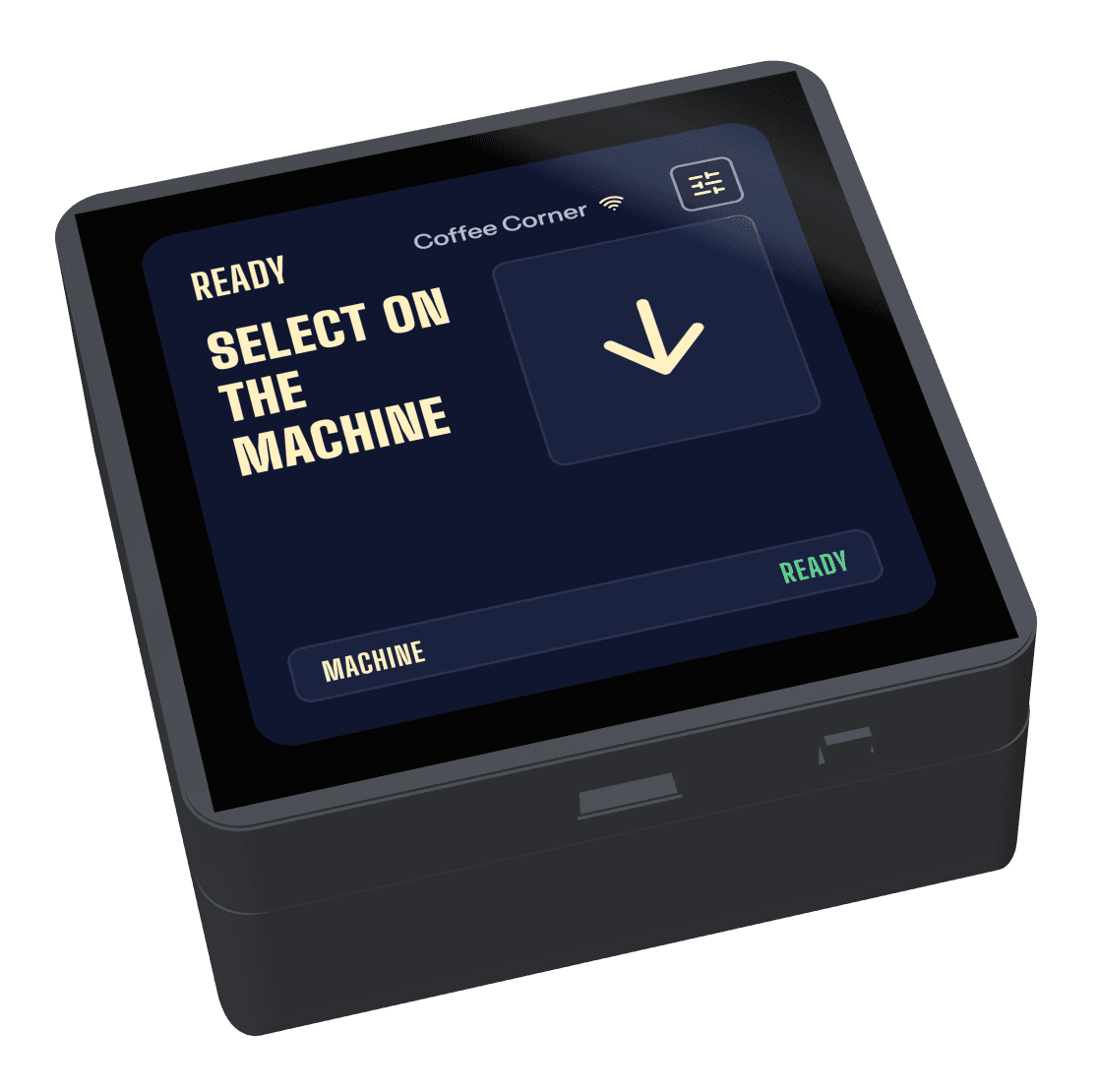
Paying at the machine
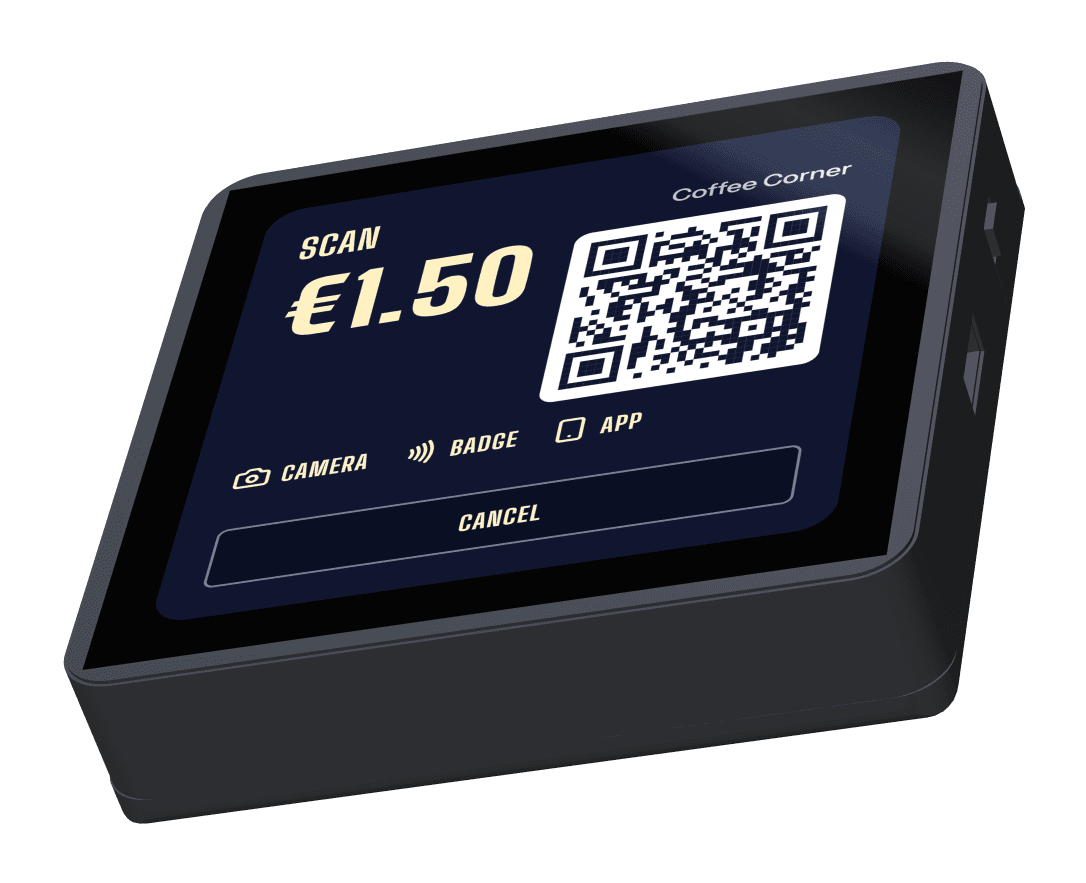
Scan.
The terminal shows a QR code for the amount: customers scan it with their phone camera, or pay in the Citizen Pay app.
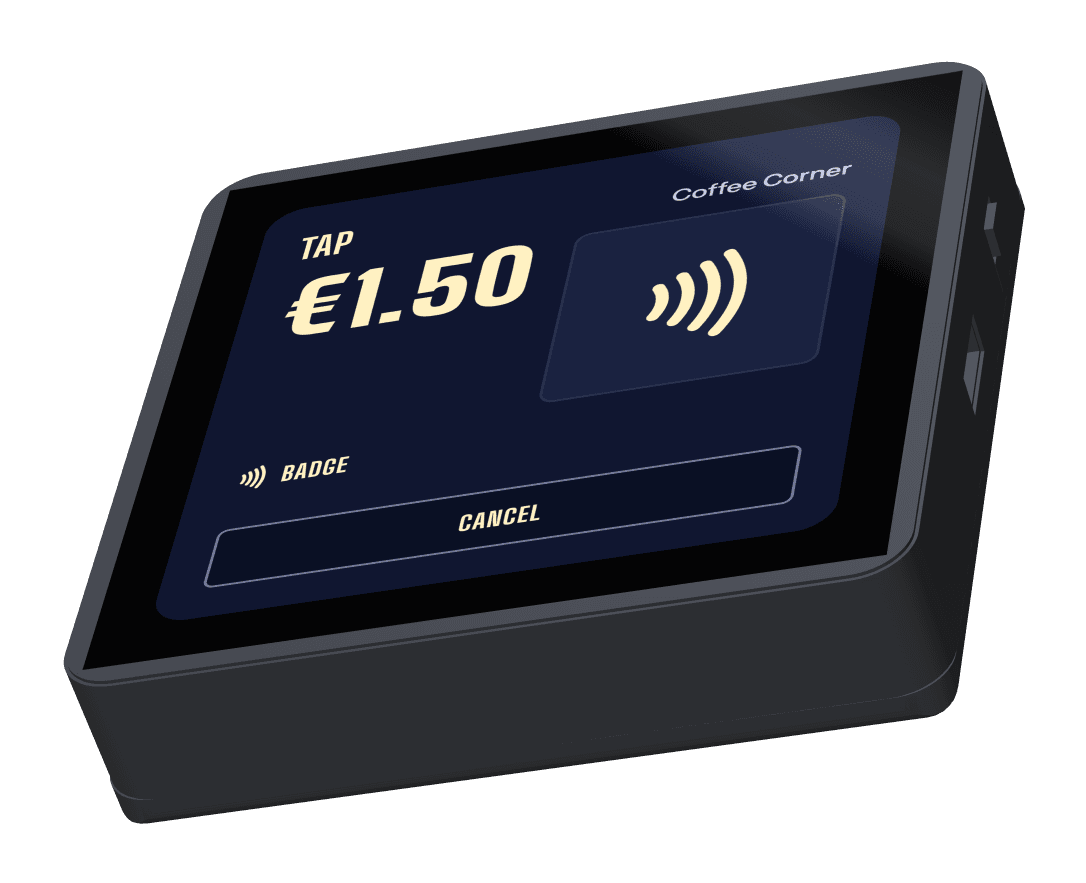
Tap.
Badges and Magic Badges pay with a tap: a badge holds credit, a Magic Badge holds none and unlocks a discount on the machine.
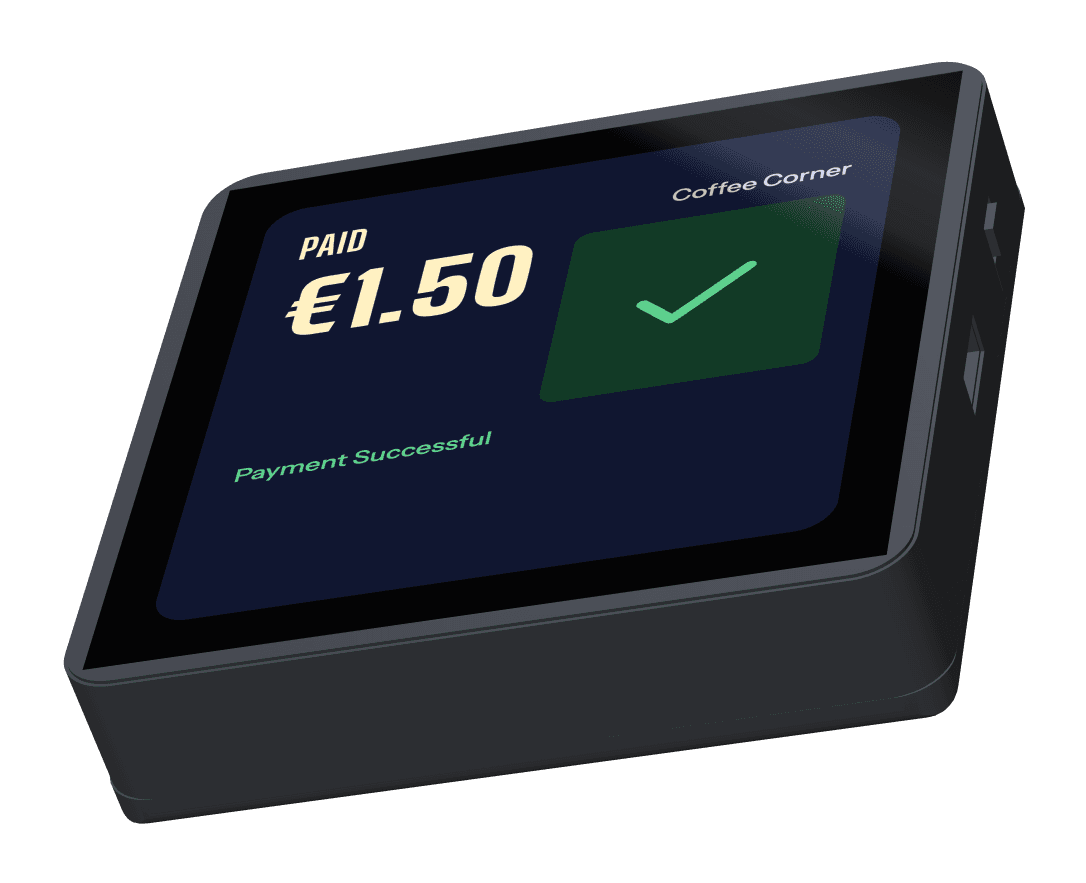
Paid.
The machine releases the drink, and a drink it does not deliver is refunded.
For cards, add the Payment terminal.
Each machine gets its own machine link: a Badge terminal or an MDB box. A Payment terminal can be shared between machines that stand together.
Payment terminal
For machines where anyone can buy. One Payment terminal can be shared between machines that stand together, such as a coffee machine and the fridge beside it.
Badge terminal
The small terminal we make. It shows a QR code for direct payment, or is paired with a Payment terminal so customers pay by card there.
Citizen Pay designs and builds the Badge terminal, the MDB box and the stand. The Payment terminal is sourced, and we fit and support it.
Five ways to pay, on one terminal.
Customers pay the way they already do, and each payment costs you cents. Turn on what each machine needs.
- 01
Bank cards, Apple Pay, Google Pay
What most customers useContactless bank cards and phone wallets. They need the Payment terminal.
- 02
Meal voucher cards
BelgiumBelgian meal voucher cards, accepted next to bank cards. They need the Payment terminal.
- 03
Magic Badges
For employeesEmployee badge that unlocks a discount on the machine. The tap is free.
- 04
Badges
Badge creditPrepaid credit on a badge. People top up themselves and pay with the credit.
- 05
QR code
From the banking appThe customer scans a printed QR code, or the QR on the Badge terminal, and pays from their own banking app.
The Payment terminal takes all five, and one can be shared between machines that stand together, such as a coffee machine and the fridge beside it. Each machine gets its own machine link: the Badge terminal, which also shows a QR code, or an MDB box.
Fits MDB machines.
The terminal connects over MDB, the standard interface of coffee and vending machines. The machine keeps working as it does today and gains new ways to be paid.
- Connects to the machine over MDB
- Stand and MDB cable included, powered from the machine
- Send us your models and we'll confirm the fit before you order
Stand and MDB cable in the box.
Every machine, in one list.
Each terminal reports its sales and its own health. We monitor the fleet too, and fix what we can remotely.
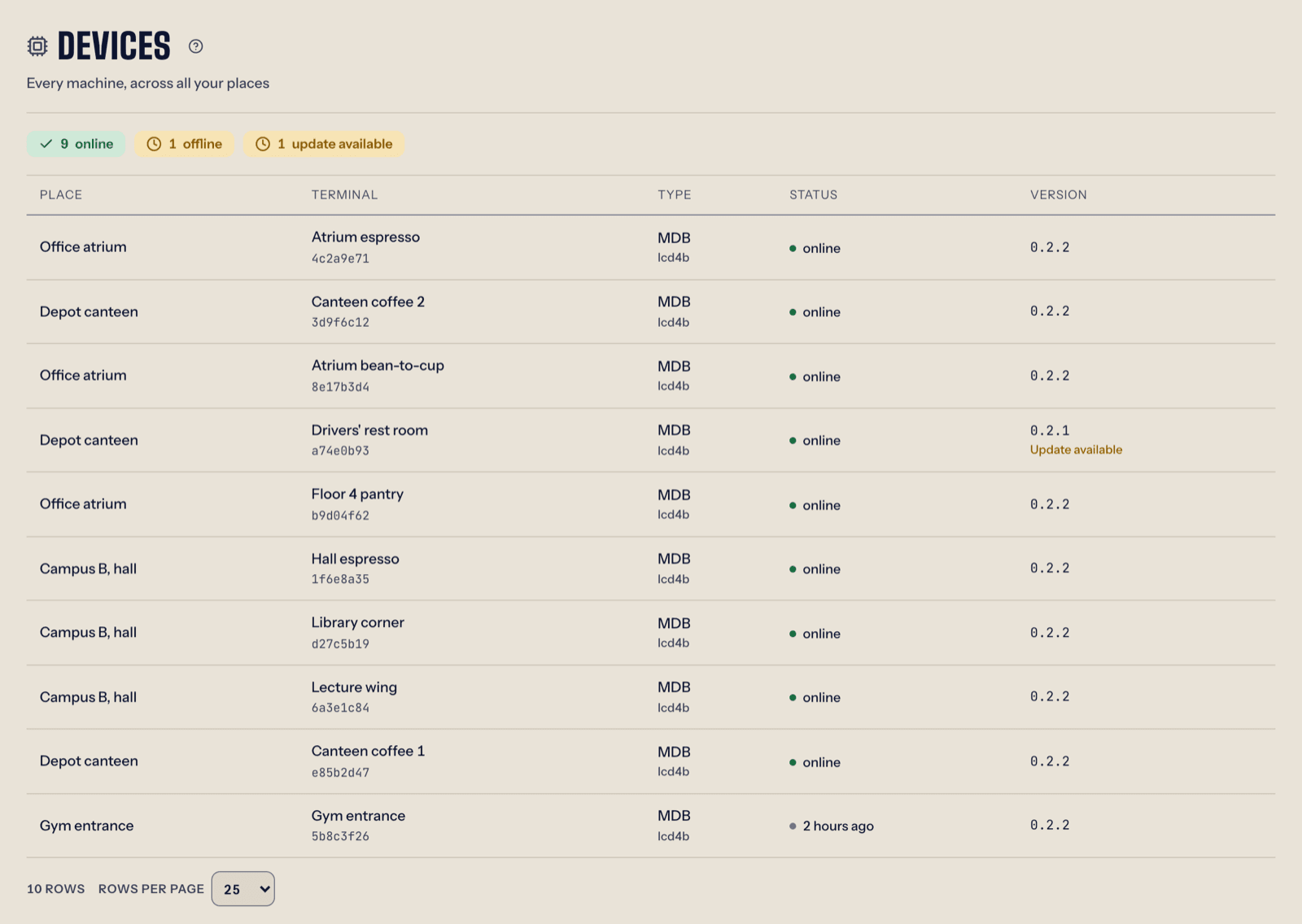
- Online, offline or quiet, per terminal and per site
- The Connection tab keeps every drop and its cause
- Sales per drink, per machine and per hour, exportable to CSV
- Remote restarts and over-the-air updates, without a site visit
Designed and built by Citizen Pay.
A 3D model of the terminal case, the MDB module and the back cover. Drag to rotate, add or remove modules.
Put a terminal on your machines.
Tell us which machine models you run and how many. We'll send the price list.